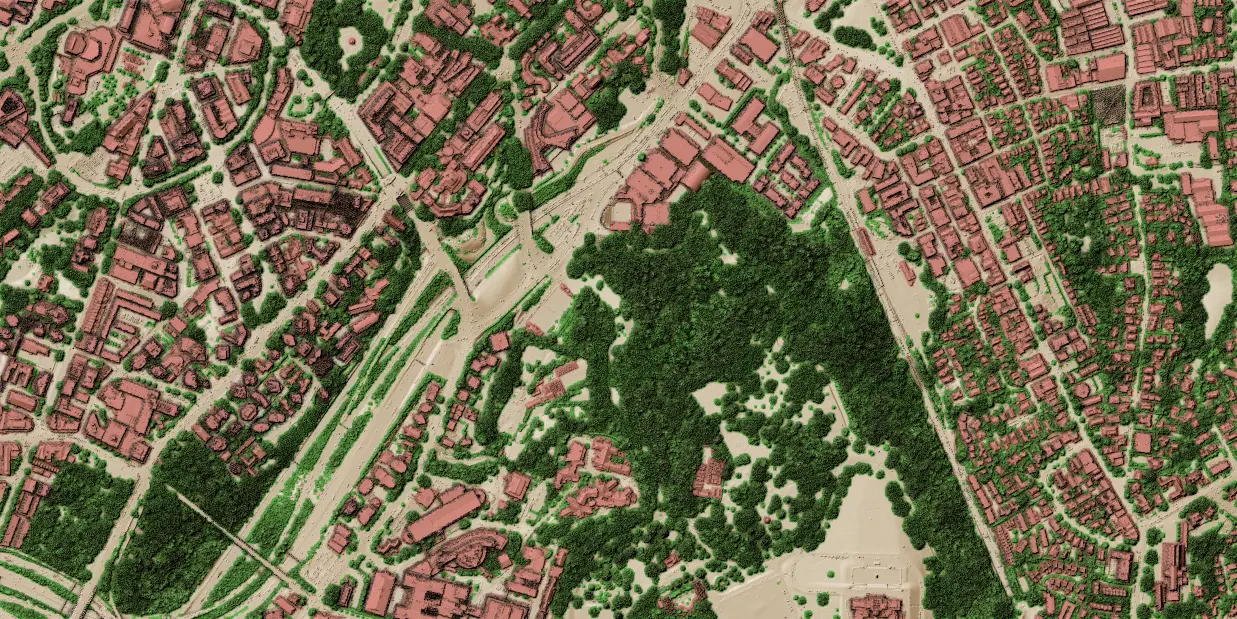
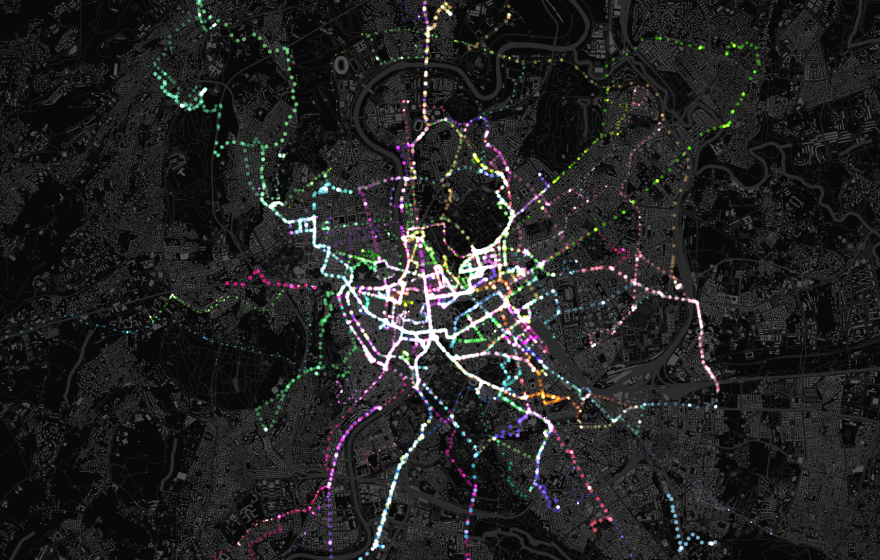
Our Point Cloud Data in QGIS training course is aimed at those who would like to use QGIS to manage and process LiDAR / point cloud data. Attendees will learn how to load various point cloud data formats into QGIS, style and navigate them in 2D and 3D map canvases. QGIS Processing tools are used for data processing, management, filtering and extraction.
Having a basic knowledge of QGIS is recommended before attending this course.
All of our training courses combine presentations with practical exercises, allowing attendees to practice the techniques and concepts being taught. Attendees are supplied with a course manual containing all exercises and presentation materials.
Suitable for those who wish to:
Load and visualise point cloud data
Easily navigate point cloud data in both 2D/3D map canvases
Manage point cloud data (thin, filter, clip, merge and create virtual cloud)
Use cloud-optimized point clouds (COPC)
Create QGIS modeller workflows for point clouds
Create animations in 3D view with point clouds
Learn tips & tricks to get most out of the point cloud data
Course structure
Our Point cloud in QGIS training course is a 1-day course that covers the following topics:
Point cloud fundamentals & QGIS integration
Core concepts: Explore point cloud categories, common file formats (including LAS, LAZ, COPC, and ZLAS), and alternative viewers.
The QGIS advantage: Understand why and when to use QGIS to handle multiple dataset types simultaneously.
Data handling: Learn to load datasets, filter by existing classifications or bounding boxes, and use global shading for styling.
Advanced analysis: Identify specific points, create cross-section profiles across different data types, and export point clouds to vector formats.
3D visualisation in QGIS
Navigation and interaction: Set up 3D scenes, master interactive navigation, and sync your 2D and 3D views.
Layer configuration: Add layers, configure scene elevations, and style points to render realistically as surfaces.
Advanced 3D effects: Enhance your maps with eye-dome lighting, occlusion, and shadows.
Measurements and animations: Take precise measurements in 3D space, identify features, and create smooth animations.
Processing, conversion, and management
Format conversion: Convert raw point clouds into alternative formats, vectors, or rasters.
Dataset management: Learn how to clip, tile, merge, reproject, and assign projections to your data.
Performance optimisation: Thin datasets by sampling radius, build virtual point clouds, and create Cloud-Optimised Point Clouds (COPC).
Metadata and web services: Extract general dataset information and seamlessly connect to online point cloud services.
Or ask a question regarding syllabus or any specific topic.
Thanks, your message is on its way. We'll get back to you about the training shortly.
Something went wrong and your registration didn't go through. Please try again in a moment. If it keeps happening, email us at info@lutraconsulting.co.uk and we'll get you sorted.
By clicking “Accept All Cookies”, you agree to the storing of cookies on your device to enhance site navigation, analyze site usage, and assist in our marketing efforts. View our Cookie Policy for more information. Deny cookies here.