ArcMap officially reached end of life in March 2026. Esri has been nudging people towards ArcGIS Pro since 2015, but for many organisations the nudge was easy to ignore until now. The deadline is here.
If your team is weighing up the options, the main fork in the road is: pay for ArcGIS Pro licences, or switch to something else. This post is about the second path, specifically QGIS, which is where we spend most of our time at Lutra Consulting.
Plenty of organisations will, and that is fine. But if you are reading this, you probably have a reason to at least consider the alternative. The honest version of that conversation usually comes down to cost, control, and lock-in.
ArcGIS Pro requires an active subscription. When you stop paying, you stop working. The software is tied to Esri’s licensing servers. If you are a government body or utility that has been running the same ArcMap setup for fifteen years, you already know how that dependency accumulates.
Fair warning: with QGIS you will not get a free trip to San Diego every year. But you will also not get an invoice every year.
QGIS 3.44 (the current Long Term Release) is a capable desktop GIS. Here is what matters for teams coming from ArcMap:
• Data formats: Reads and writes via GDAL/OGR: GeoPackage, PostGIS, GeoJSON, Shapefile (yes, still, if you enjoy column names truncated to 10 characters), KML, NetCDF, Esri File GDBs and LiDAR data format (LAS, LAZ, COPC, EPT). Connects to WMS, WFS, WCS, OGC API and most importantly Esri REST APIs.
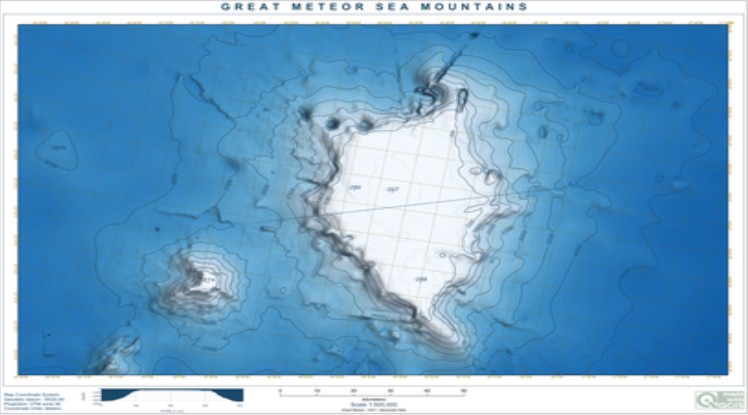
• Cartography: Print layout designer with atlases, data-defined overrides, geometry generators, label masking. For most cartographic workflows, QGIS is on par with ArcMap.
• Processing: with over 1,000+ algorithms. Model Designer is the equivalent of ModelBuilder. Scripts run in PyQGIS (similar to ArcPy conceptually, different API).
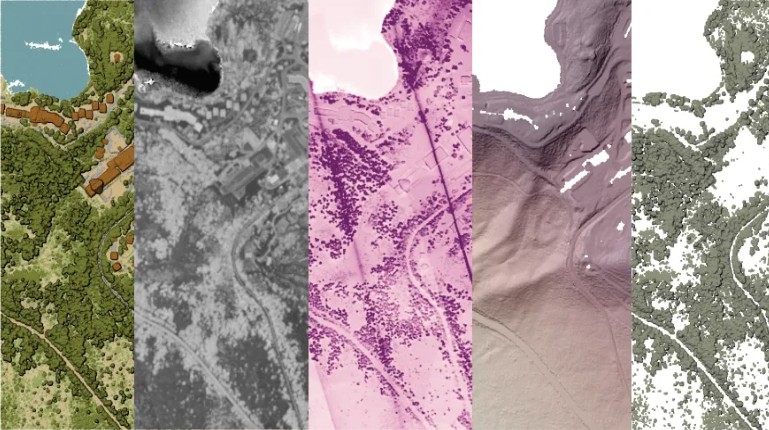
• 3D visualisation: Built-in 3D map view with DEM terrain, extruded vector features, point clouds, OGC 3D Tiles and Esri’s Scene Layer (I3S) (either through REST API or from SLPK). Globe view added in QGIS 3.36. No extension needed.
• Field collection: Works well with Mergin Maps for offline data collection and sync.
These are the questions that come up in almost every migration conversation I have. Let me answer them directly.
Q: What happens to ten years of MXD files?
SLYR (by North Road) converts .mxd, .lyr, .style, .aprx, and .sxd files to QGIS-native formats without needing an active Esri licence. It handles vector, raster, point cloud, and TIN layers, symbology, page layouts, and layer joins. One-time licence (~€1,500 for up to 20 users), not a subscription. Not perfect, but good enough that manual touch-up is usually faster than rebuilding from scratch.
Q: My team will lose productivity for months
Probably some weeks, not months. The concepts map across closely enough. QGIS has its own quirks (the layer styling panel, the processing framework) but experienced GIS users pick it up quickly when training is structured around the workflows they already know rather than starting from the documentation. We offer tailored training for teams coming from ArcMap.
Q: We rely on a specific Esri extension with no QGIS equivalent
This is the most legitimate blocker. Network Analyst, Spatial Analyst, and a few vertical extensions (aviation, maritime, etc.) have no direct QGIS equivalent that covers every use case. Worth testing your specific workflows before committing. If something is genuinely missing, you can have it built as a QGIS plugin. We have done this for national mapping agencies and government departments that needed specific capabilities before they could migrate.
Q: Who do I call when something breaks?
With Esri you call Esri. With QGIS you call whoever you have a support contract with. We offer QGIS support contracts that give your team direct access to core developers, the same people who actually wrote the code, for bug triage, configuration questions, and priority fixes. You are also free to choose between different QGIS support providers and there is no risk of vendor lock-in.
Q: What does QGIS genuinely not handle well yet?
Esri enterprise/SDE geodatabases: QGIS cannot connect to SDE directly. You would need to migrate to PostGIS or GeoPackage first. This is usually not a small job. ArcPy scripts: they need to be ported to PyQGIS. The concepts transfer but the API is different. Some Esri-specific raster analysis workflows still require more manual setup in QGIS. Better to know now than find it six months into the migration.
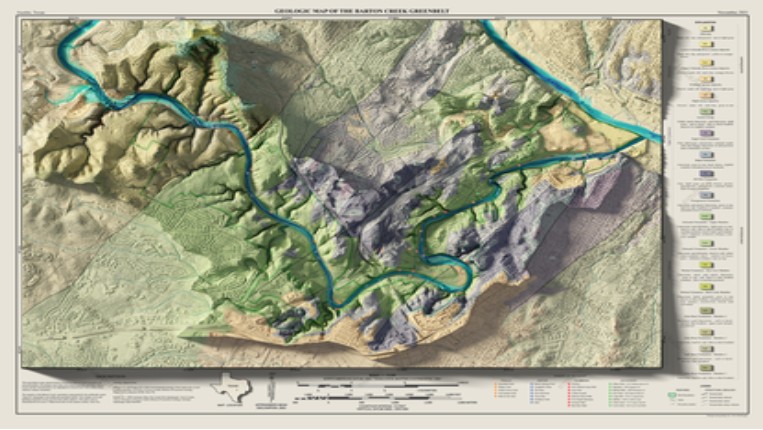
We have been contributing to QGIS core since 2012: 3D, point clouds, mesh layers and much more!. We can help with capability gaps, QGIS plugin development, ArcPy-to-PyQGIS porting, training, and support contracts. If QGIS is the right fit for your organisation, we can make the transition smoother.
Contact us: https://www.lutraconsulting.co.uk/contact/
Our QGIS track record: https://www.lutraconsulting.co.uk/qgis-development/
• SLYR: ArcGIS to QGIS conversion (North Road)
• QGIS 3D capabilities (Lutra)
• Point clouds in QGIS (Lutra)
Let's make the QGIS work for you
Lutra Consulting is a QGIS-focused expert provider of geospatial software development, consulting, training, and support services.