In our previous post, we detailed the successful QGIS 3D for Digital Twins crowdfunding campaign and showcased the native support for ESRI Scene Layers (I3S). This second post in the series focuses on the extensive new point cloud processing algorithms that were developed as a result of the campaign, expanding QGIS's utility for LiDAR data.
These algorithms are available directly in the Processing Toolbox and can be chained into models or used in automated pipelines.
These algorithms enable a streamlined LiDAR survey workflow: first stripping away noise, then classifying ground versus non-ground features, and finally calculating normalized height above ground metrics.
Two algorithms for statistical and radius-based outlier removal, cleaning up point clouds affected by sensor errors, multipath reflections, or atmospheric interference. Usually the first step before any classification or processing of the point clouds is to remove the noise. It is also possible to clean up the noise further manually through point cloud editing in QGIS, we introduced earlier.

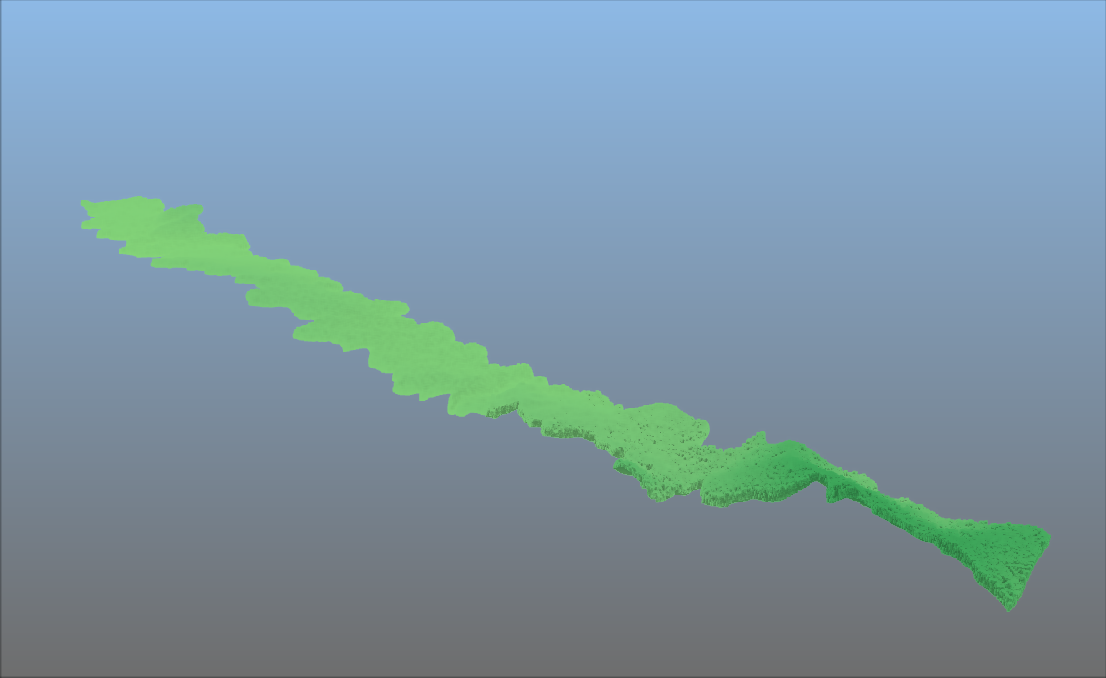
The SMRF (Simple Morphological Filter) algorithm separates ground points from non-ground points (vegetation, buildings, vehicles) in LiDAR point clouds, a critical first step in automated feature extraction. This process is carried out after filtering noise from the data:


Computes each point’s vertical distance from an estimated ground surface — essential for normalising LiDAR data before extracting building heights, tree heights, or infrastructure clearances.
By measuring the vertical distance between each point and the estimated ground surface, this tool creates a "normalized" dataset. This is a critical step for isolating the true heights of trees, buildings, and other infrastructure from the underlying terrain.
With this new algorithm, you can carry out statistical analysis of tree canopy height for example. Note that for this algorithm you first need to classify the data (at least having ground and non-ground points). You can then run this algorithm to calculate the height above ground. The result can be exported to raster for extracting the statistical values. Initial imagery displays the point cloud following classification, while the subsequent figure illustrates the impact of HAG processing: a normalized terrain where all point elevations are relative to a level ground plane.
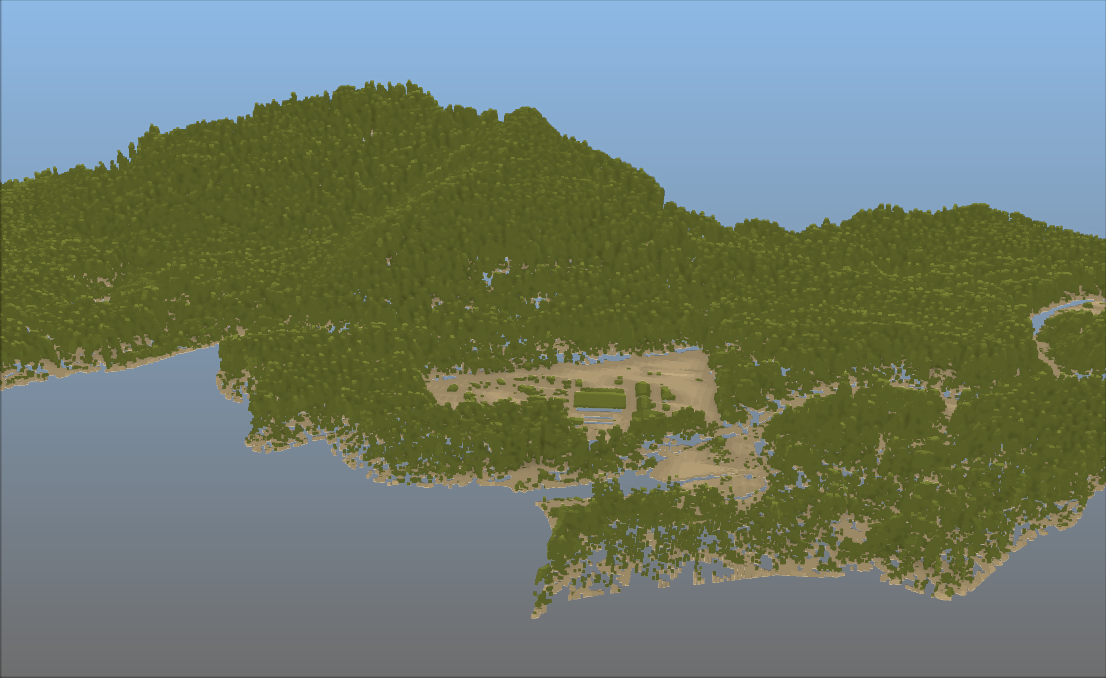
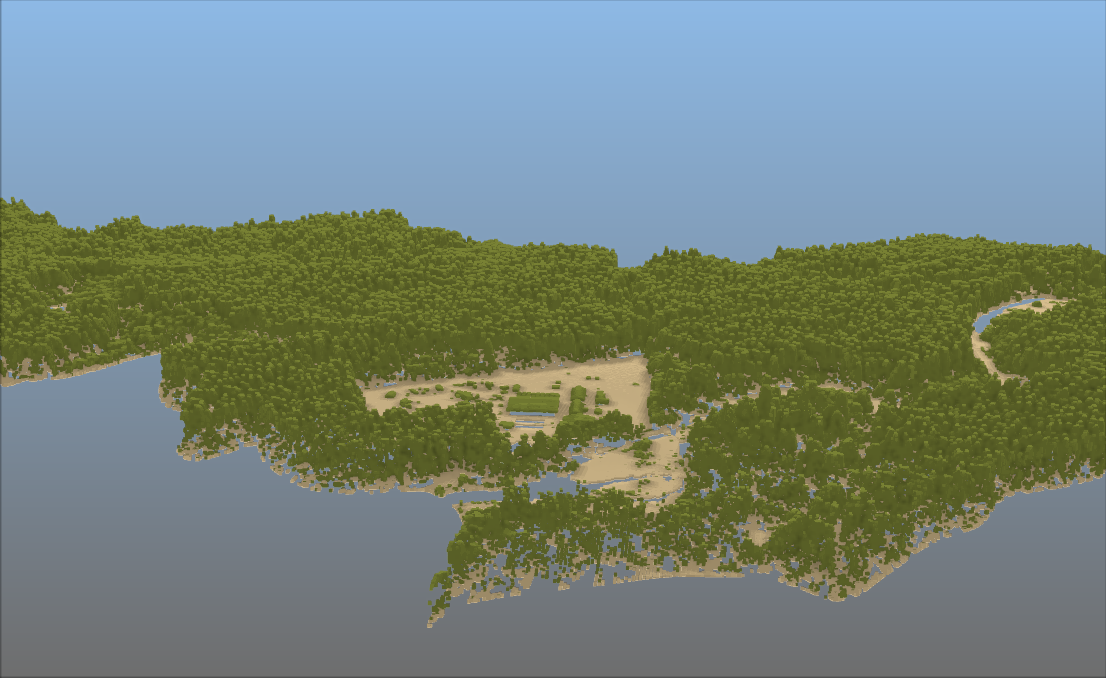

Apply translation, rotation, and scaling to a point cloud layer, ideal for correcting systematic offsets between survey datasets or aligning data to a project coordinate system.
Virtual Point Cloud (VPC) layers can now be loaded directly from a remote server URL, no need to download massive datasets before working with them. This unlocks cloud-native point cloud workflows inside QGIS.
NEON (National Ecological Observatory Network). Discrete return LiDAR point cloud (DP1.30003.001), RELEASE-2026. https://doi.org/10.48443/5ts2-rc92. Dataset accessed from https://data.neonscience.org/data-products/DP1.30003.001/RELEASE-2026 on May 11, 2026.
Let's make the QGIS work for you
Lutra Consulting is a QGIS-focused expert provider of geospatial software development, consulting, training, and support services.